Hi Neighbors,
If you’ve installed a heat pump to heat your home, you may qualify for National Grid’s seasonal Heat Pump Rate. This rate reduces certain delivery charges on your electric bill from November 1 through April 30. The lower rate applies to all the electricity your household uses during those months—not just the electricity used by the heat pump itself.
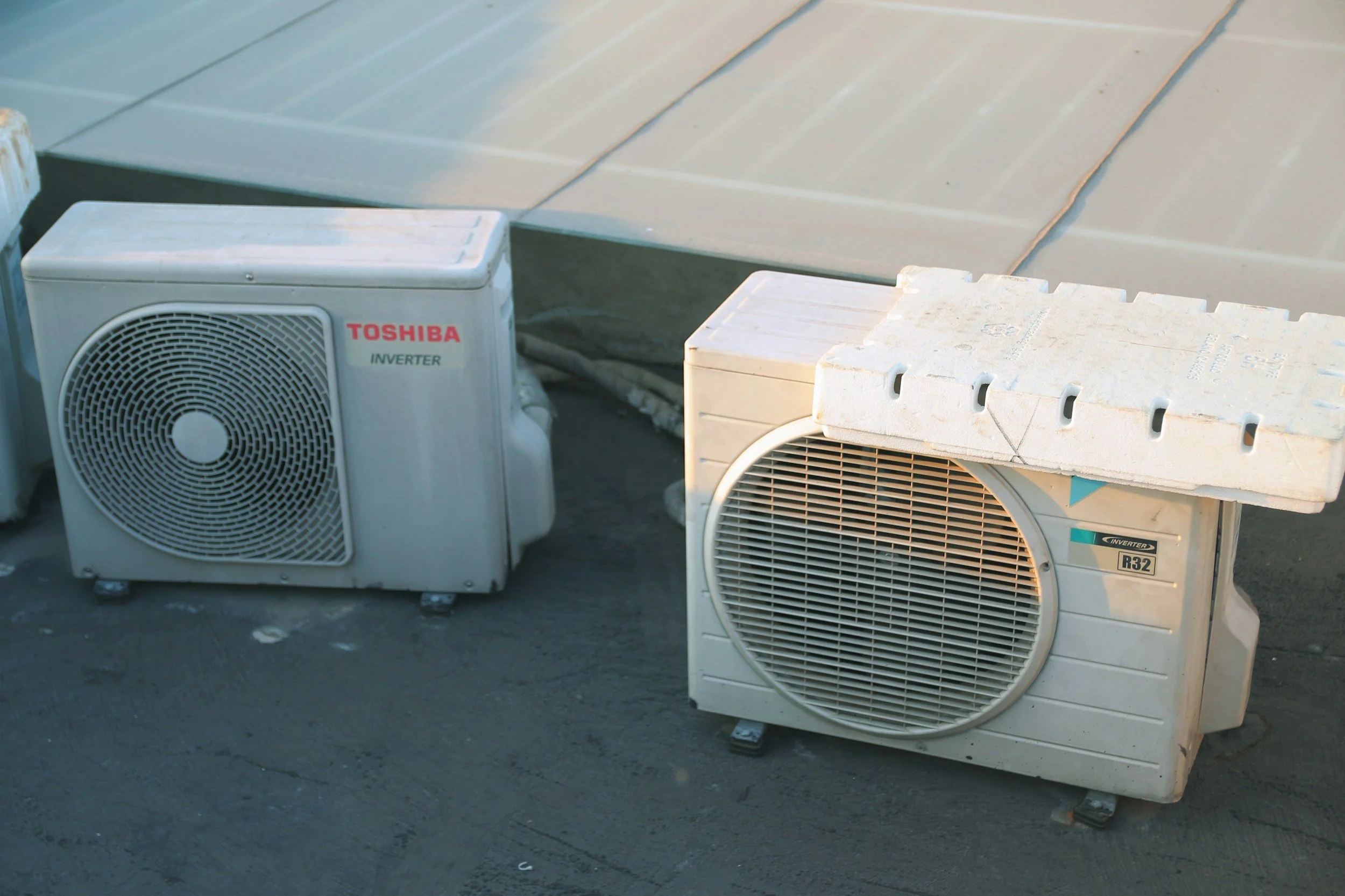
I recently had a heat pump installed at my home through Mass Save. When you install a heat pump through Mass Save, the program is supposed to notify National Grid so you can be enrolled in the Heat Pump Rate. In practice, that notification is sometimes missed. If you installed your heat pump on your own (without going through Mass Save), National Grid has no automatic way of knowing, so you have to contact them yourself.
Whether you used Mass Save or not, it’s worth a few minutes to make sure you’re actually receiving the rate.
How to Check If You’re Enrolled
Look at a recent National Grid bill that includes any days in November or later. The Heat Pump Rate message usually appears on the last page of the bill. Search for wording like this:
“You are currently enrolled in the Heat Pump Rate, which provides reduced delivery charges during the winter heating season. From November through April, the reduced charges are reflected in the Delivery Services section of your bill under the Distribution Charge and Transmission Charge line items.”
Also check the Distribution Charge and Transmission Charge under Delivery Services. On winter bills, these should be lower than the regular residential rates. (Bills that cross November 1 may show a blended rate.)
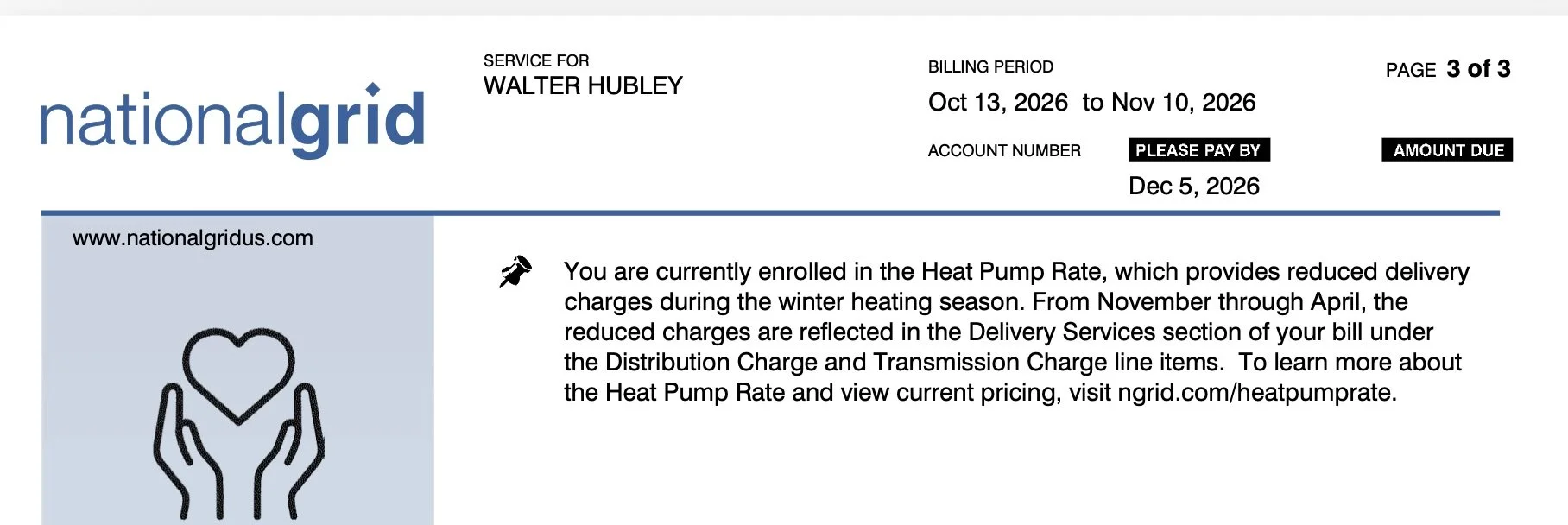
Example National Grid Electric Bill Heat Pump Rate Message.
If you do not see the enrollment message and the delivery rates look the same as they did last year, you are probably not yet on the Heat Pump Rate.
If You Installed Through Mass Save
Most customers who received a Mass Save heat pump rebate in 2019 or later are enrolled automatically once the rebate is fully processed and paid. However, the process is not perfect—notifications are sometimes missed.
If you went through Mass Save and do not see the Heat Pump Rate message on your winter bill, do not assume everything is fine. Contact National Grid or submit their enrollment form so they can correct it.
Note: There are a couple of exceptions even within Mass Save. Customers who received certain $250-per-ton “Basic” rebates, or whose systems were installed as part of a new-construction or major renovation program, generally need to apply themselves.
If You Did Not Use Mass Save
You must contact National Grid directly. They have no record of your installation unless you tell them.
How to Enroll (or Confirm Enrollment)
1. Have your National Grid account number ready (it’s on the top of your bill).
2. Gather one form of proof of the heat pump installation (contractor invoice, proof of purchase, Mass Save rebate confirmation, or a clear photo of the outdoor unit showing the model and serial number).
3. Go to National Grid’s Heat Pump Rate page and submit the online form: https://www.nationalgrid.com/us/ma/electric/home/billing-payments/bills-meters-and-rates/heat-pump-rate-form
You can also call National Grid Customer Service at 1-800-322-3223.
The rate only affects the delivery portion of your bill. It does not change your electricity supply rate, so it works whether you are on Quincy Community Electricity or National Grid’s Basic Service.
Final Thoughts
A heat pump can lower your heating costs, but only if you’re actually receiving the winter rate you’re eligible for. Whether you installed yours through Mass Save or on your own, take a moment to check your bill. If the enrollment message isn’t there, reach out to National Grid and get it fixed.
Stay warm!
Walter Hubley
Ward 3 City Councilor